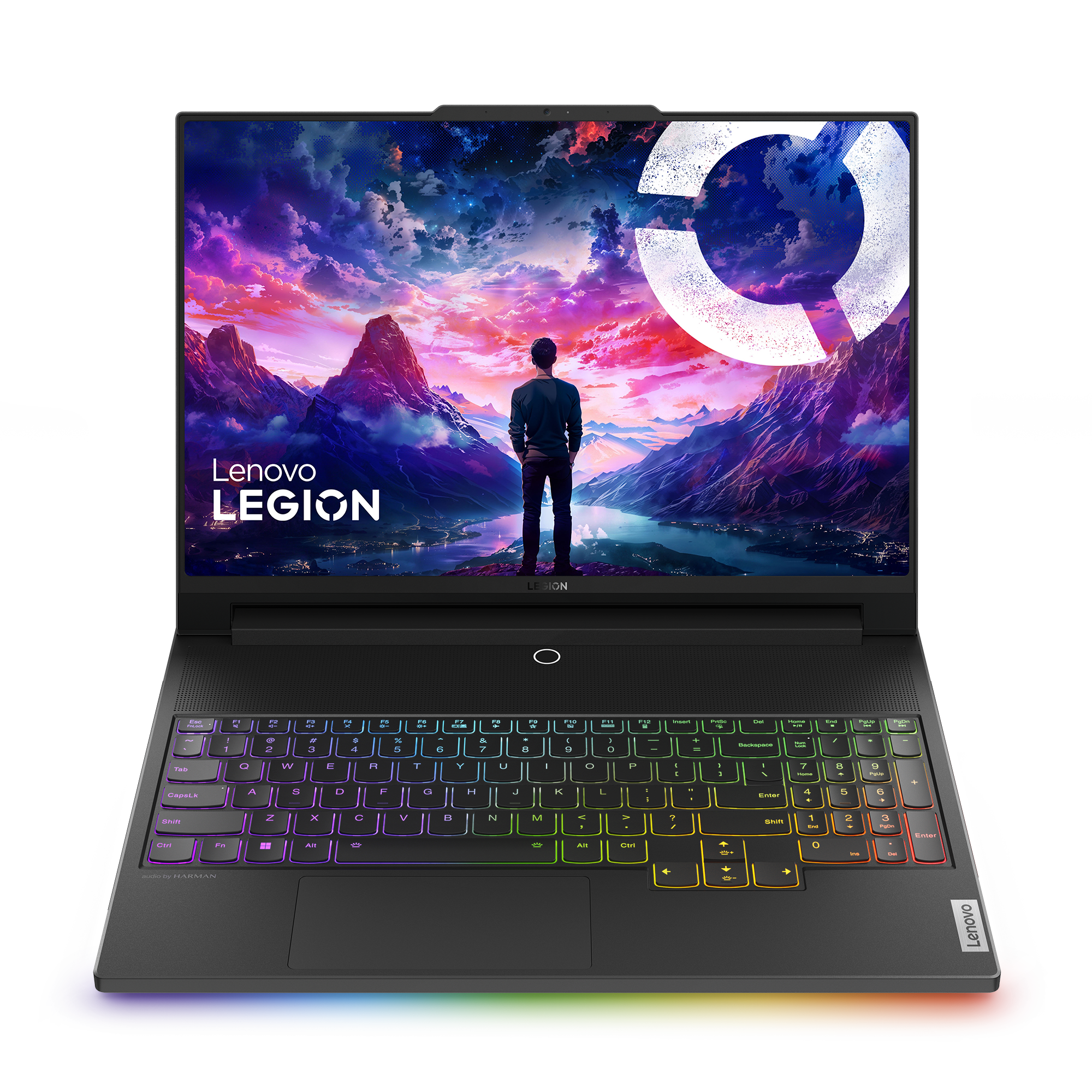
Sell yourLenovo Legion 9i
Select generation
On the laptop
- Turn the laptop over. The model name is usually printed on a label or etched on the bottom.
- If you do not see it, check under the battery.
- Then type the model name (for example "Latitude 7440") into the search above.
Windows
- Open the Start menu, search for "System Information" and open it.
- Find "System Model" in the list. That is usually your model name (a Lenovo shows a code there instead).
- Another place to look: Settings → System → About. Some PCs show the model name at the top of that page.
- Then type the model name (for example "Latitude 7440") into the search above.
Lenovo
- On a Lenovo, "System Model" shows a code such as 20U9005MUS, not the name.
- The name is usually printed on the device itself or its label, and is shown in the Lenovo Vantage app.
- Then type the model name (for example "ThinkPad T14") into the search above.
Not sure? The generation is printed on the label under the laptop, next to the model name.